
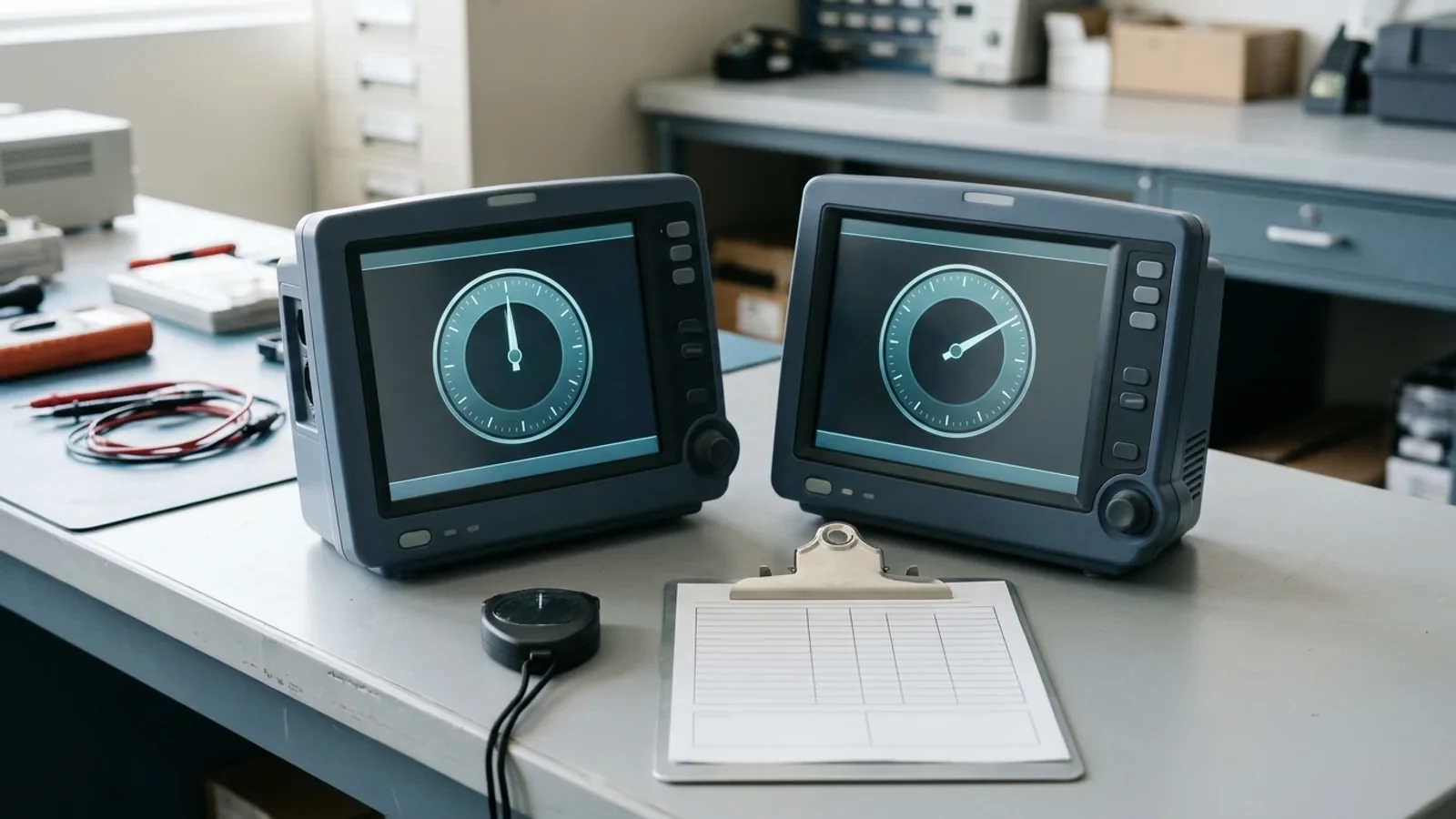
When an event review shows a patient monitor's trend or alarm timestamps disagreeing with EMR charting by several minutes, do not edit the timestamps or reset device clocks first. A timestamp is the output of whichever clock, or time service, governed that device or system when the data were recorded. Before anyone corrects anything, establish which of three possible time authorities was wrong: the bedside monitor's own clock, the monitoring network's time service, or the clock behind the EMR.
The short answer: capture the original evidence first. That means device and central-station identity, each leg's displayed time read against one facility-designated reference, the signed offset, the configured time source on each leg, and unaltered exports of the event record. Then route the fix to the owner of the wrong clock under change control, and file an additive, attributed correction. Hospital Conditions of Participation require record entries to be dated, timed, and authenticated, and require record maintenance that protects the security of all entries. Overwriting the original values destroys the evidence that shows what was actually recorded.
Where a Monitor Timestamp Actually Comes From
Bedside monitors, central stations, and EMR workstations do not necessarily share one clock. Treat each event timeline as having up to three legs, each with its own time authority and its own owner:
Bedside monitor clock. A 2022 narrative review of clinical timing errors notes that ventilators, cardiac monitors, regional saturation monitors, and renal replacement therapy devices may each manage and report time differently: some use a proprietary synchronization system, while others keep time independently and require manual programming to stay accurate. A monitor running on its own clock carries whatever offset it has accumulated or was set with.
Monitoring-network time service. On some monitoring networks, a PC-based service sets the monitors' clocks. In Philips' IntelliVue XDS Solution Release G.0, the XDS Application builds a small single-subnet, non-routed network for IntelliVue monitors, and its infrastructure services include a Time Service that synchronizes patient-monitor time to the time of the PC. Philips states that without it, timestamps assigned at the PC cannot be correlated with events on the monitor, and that time synchronization is mandatory when the application runs in an isolated subnet; the guide lists the Time Server on UDP port 24006 of the monitoring network. In that design, the monitors are only as right as the time source they follow.
EMR clock. On the record side, 45 CFR 170.210(g) requires that the date and time recorded by certified health IT use a system clock synchronized using any Network Time Protocol (NTP) standard. That requirement applies to certified health IT, not to bedside devices, so the charting leg and the monitor leg of one event can answer to different time authorities.
Interoperability standards describe how these legs could share one time base. The IHE IT Infrastructure Technical Framework's Consistent Time (CT) profile defines Time Server and Time Client actors, requires NTP as defined in RFC 1305 (SNTP may be usable for some Time Clients that are not grouped with a Time Server), specifies synchronization with a median error under 1 second, and supports cascaded synchronization, in which a Time Server grouped with a Time Client obtains time from a higher-tier server. CT is a voluntary integration profile for systems that claim conformance, not a hospital mandate, and the 2022 review notes that many medical devices lack NTP capability. A hospital running NTP therefore does not prove that a particular monitor's clock followed it.
flowchart TD
  REF["One facility-designated reference time"]
  subgraph DEV["Standalone device leg"]
    OWN["Independently set device clock"] --> SA["Standalone monitor timestamps"]
  end
  subgraph NET["Monitoring-network leg (example: XDS Time Service)"]
    TS["Time service on a PC or network device"] --> NM["Networked bedside monitor clocks"]
  end
  subgraph EHR["EMR leg"]
    NTP["Enterprise NTP source"] --> CLK["Certified health IT clock, 45 CFR 170.210(g)"]
    CLK --> CH["Charting and audit-trail timestamps"]
  end
  SA --> EXP["Monitor trend and alarm exports"]
  NM --> EXP
  EXP --> REV["Event review timeline"]
  CH --> REV
  REF -.->|"compare, record signed offset"| OWN
  REF -.->|"compare, record signed offset"| TS
REF -.->|"compare, record signed offset"| CLK| Time leg | What sets its time | What can make it wrong | Usual owner of the fix |
|---|---|---|---|
| Standalone bedside monitor | The device's own clock, set manually or by a proprietary mechanism | Never set correctly, drifted, or reset; device not following the network time service | Clinical engineering, within manufacturer service documentation |
| Monitoring-network time service | A time service on a PC or network device (XDS example: monitors follow the XDS PC) | The time source's own clock is wrong, and every networked monitor inherits the error | Clinical engineering with clinical systems IT, under change control |
| EMR / certified health IT | A system clock synchronized using an NTP standard, per 45 CFR 170.210(g) | A workstation, server, or interface not following the expected source; confirm whether device values carry device time or arrival time | Hospital IT for the clock; HIM for the record |
Why One Wrong Clock Splits One Event Into Two
Clinical timelines depend on sequence: a reading, an action, a response. When the monitor and the record run on different clocks, the recorded sequence can misstate what happened, and a clinician reading one system in real time can be misled about the patient's current state.
The Pennsylvania Patient Safety Authority's December 2012 advisory, Potential Hazards of Clock Synchronization Errors, quotes a report of an eight-minute difference between an EMR computer and a cardiac monitor. The report noted that the patient was not harmed and that IT would correct the system. The Authority explained why the case was still troubling: device values such as blood pressure flowed automatically from the monitor into the EMR, while caregivers documented pain and blood-pressure medications there. If clinicians trusted the EMR, they could act on misleading information, for example giving more vasopressor because a reading still looked low when the monitor clock was eight minutes behind. If they trusted the monitor and charted their actions, the EMR could incorrectly show a delay between device-reported status and caregiver-reported actions, and the caregiver could face questions about delayed care.
The same database query found two other relevant reports:
Ionized-calcium specimens from an ICU timed out before they could be tested because ICU and laboratory clocks were not synchronized. The lab used the time displayed on its computers as the standard, and results came only after a third specimen was drawn and marked with the lab's time while lab staff stayed on the phone.
A birth time was documented inconsistently because a wall clock and a fetal monitor disagreed.
Read the scale carefully. The Authority found only three relevant reports in a query covering July 2004 through May 2012, and said they may represent a small portion of actual events because clock problems do not fit neatly into its event classification system. It also reported that a January 2012 presentation by Julian Goldman, MD, of Partners Healthcare showed an average clock error of 24 minutes among 1,700 surveyed medical devices. The 2022 Frontiers in Digital Health review cites Goldman's 2012 work as an examination of over 1,700 clocks and over 1,300 medical devices at four hospitals that found inaccurate timekeeping pervasive. Both are secondhand accounts of the same presentation and describe the counts differently, so treat them as evidence that the hazard is real, not as a current measurement of any fleet.
The review makes the point that matters most for an event review: when devices are not synchronized, a single event can be recorded with different timestamps, and it can be difficult to know which clock, if any, was the source of truth. That is why the question of which clock was wrong has to be answered, and documented, before anyone corrects anything.
Time evidence sits alongside other monitor-service records but is a separate trail. If the same review also questions alarm behavior or signal quality, see patient monitor alarm verification after service and documenting ECG artifacts on a patient monitor.
What the Record Rules Require When You Correct a Time
The tempting fix is to shift the monitor's exported times by the measured offset so they line up with the chart. Do not do that to the original data. The rules below set no clock tolerance and no synchronization method, but they do set expectations that an overwrite would undercut.
Under the CMS hospital Conditions of Participation at 42 CFR 482.24:
482.24(c)(1): All patient medical record entries must be legible, complete, dated, timed, and authenticated in written or electronic form by the person responsible for providing or evaluating the service, consistent with hospital policies and procedures.
482.24(b): Medical records must be accurately written, promptly completed, properly filed and retained, and accessible, and the hospital must use a system of author identification and record maintenance that ensures the integrity of the authentication and protects the security of all record entries. Paragraph (b)(3) adds that the hospital must ensure unauthorized individuals cannot gain access to or alter patient records.
Read alongside 45 CFR 170.210(g), the practical conclusion is straightforward. The original timestamp is what the device or system actually recorded under its clock at that moment, and the measured offset explains it. Rewriting the original values replaces evidence of what was recorded with a reconstruction and can leave no trace of who changed it or why. Whether a particular device export forms part of the legal medical record is a facility policy question for HIM and compliance; preserve it as evidence either way.
Instead, file an additive, attributed correction through the facility's record-amendment process. On the service side this follows the same discipline as medical equipment service record requirements and a software restore and configuration record: record what was found, what was measured, and who did it, without erasing what came before. A useful correction or addendum states:
The device identity (model, serial number, and asset tag) and, where relevant, the network time source it followed.
The original timestamps as recorded, with the identifiers of the preserved exports.
The signed offset measured against the facility reference, with when and how it was measured.
The reconciled timeline, clearly labeled as reconciled rather than original.
The name, credential, date, and time of the person who authenticated the correction.
The Time-Source Worksheet: Capture Before You Correct
Use one worksheet per event, with one column per time leg. Its purpose is to preserve evidence before any clock, configuration, or network change is made, not to direct those changes.
Work through it in this order:
Freeze the evidence. Before power-cycling, re-admitting, or reconnecting anything, export the relevant trend, alarm, and event records using the manufacturer's supported review or export functions, and keep the files unaltered. If the facility has a chain-of-custody practice, such as recording a file hash, apply it. Record model, serial number, and asset identifier consistent with your CMMS inventory identification rules.
Compare every leg with one reference. Choose a single facility-designated reference time source and read the bedside monitor, the central station or time-service host, and the EMR workstation against it within as short a window as practical. Where policy allows, photograph each display with the reference visible, without capturing patient identifiers.
Record the configured time source without changing it. From displayed status, existing configuration records, or IT documentation, note whether each leg keeps its own time, follows a monitoring-network time service, or follows enterprise NTP. If confirming that requires service or configuration menus, follow the manufacturer's documentation and the facility's change-control policy.
Calculate the signed offset. Define offset as displayed time minus reference time: a negative value means the clock is behind, a positive value means it is ahead. Note whether the offset is uniform across monitors on one network, which points upstream, or confined to one device.
Assign the owner and file. Attach the worksheet, photographs, and export identifiers to the CMMS work order. Compare the offsets with the facility's own tolerance policy, because none of the cited sources sets a universal maximum clock offset, and route the packet to the owners named in the next section.
The worksheet template below can be copied into a work order or event file:
| Field | Bedside monitor | Central station or network time service | EMR workstation or interface |
|---|---|---|---|
| Asset or system identity | Model, serial number, asset tag | Host or system name, software release | Workstation or interface name |
| Configured time source | Own clock, network time service, or NTP | Upstream source, if documented | NTP source as documented by IT |
| Displayed time at comparison | hh:mm:ss as read | hh:mm:ss as read | hh:mm:ss as read |
| Reference time at comparison | Same reference for every leg | Same reference for every leg | Same reference for every leg |
| Signed offset (displayed minus reference) | Plus or minus seconds | Plus or minus seconds | Plus or minus seconds |
| Pattern observed | This device only, or all monitors on the network? | Uniform across connected monitors? | Consistent with other enterprise systems? |
| Original evidence preserved | Export file identifiers, photographs | Log or export identifiers | Audit-trail or record identifiers |
| Tolerance applied | From facility policy | From facility policy | From facility policy |
| Correction owner | Clinical engineering | Clinical engineering with clinical systems IT | IT for the clock; HIM for the record |
Ownership, Escalation, and What Not to Do
Time problems cross departmental lines, so name the owners before any fix starts:
Clinical engineering (HTM): documents the finding, completes the worksheet, inspects the device within manufacturer service documentation, and records the evidence in the CMMS. HTM does not change enterprise time servers, network devices, or charting databases.
Hospital or clinical systems IT: owns enterprise NTP sources, monitoring-network infrastructure, and any time-server change, under formal change control.
Health information management (HIM): owns the medical record and coordinates additive, authenticated corrections with the responsible clinicians, consistent with 42 CFR 482.24 and facility policy.
Risk management and patient safety: if the discrepancy affected or may have affected clinical decisions, as in the medication-titration scenario the Pennsylvania advisory describes, report it through the facility's patient safety event process rather than closing it as a routine service ticket.
Use the observed pattern, not a guessed cause, to decide where the evidence goes next:
| Observed pattern | What it suggests | Preserve first | Route to |
|---|---|---|---|
| One monitor differs from the reference; others on the same network agree | That device's clock, or whether it follows the network time service | Device exports, displayed-time photograph, time-source status as found | Clinical engineering |
| All monitors on one network share the same offset | The upstream time service or the host it runs on | Readings from several monitors and from the time-service host | Clinical engineering with clinical systems IT, under change control |
| Monitors agree with the reference; EMR times differ | The EMR workstation, server, or interface timing | EMR audit-trail or record identifiers and the workstation reading | IT for the clock; HIM for the record |
| The offset affects an event already under review | Any of the above, plus a record that may misstate the order of care | Everything above, before any clock is changed | Risk management and HIM, with the technical owner |
Hold these boundaries throughout:
Do not reset a monitor's clock during an active event investigation until the evidence is captured and the investigation lead agrees the clock can change.
Do not overwrite, truncate, or delete trend archives, alarm histories, or logs.
Do not reconfigure networks, time servers, or routing from the bedside; those changes belong to IT under change control.
Do not assume enterprise NTP reaches every clinical device; record whether each device follows NTP, a proprietary time service, or its own clock.
Do not close the work order without the completed worksheet and the measured signed offset in the asset history.
Recheck this workflow when the manufacturer supersedes the time-distribution documentation for your platform, when ONC amends the synchronized-clock standard, or when CMS revises its medical-record requirements. The evidence habit does not change: name the clock, measure the offset, preserve the original, and append the correction.